What is a personnel list
The personnel list provides you with a complete overview of personnel data. Depending on your preferred modules configuration, you can view at glance names, job positions, departments, offices, checklists, hiring dates, time tracking, security level, project allocations, termination reason, and more. Also, a user's rights will determine their visibility and access to files and data in order to protect confidential information. Graphic information will alert you if any action needs to be taken. For example, a project over-allocation will be displayed as a red percentage in the relevant personnel’s row, or bars will display work progress on checklists, etc.
To see the personnel list, go to the Personnel Module. You will be presented with a lot of valuable information. You also can create new personnel directly from this page.
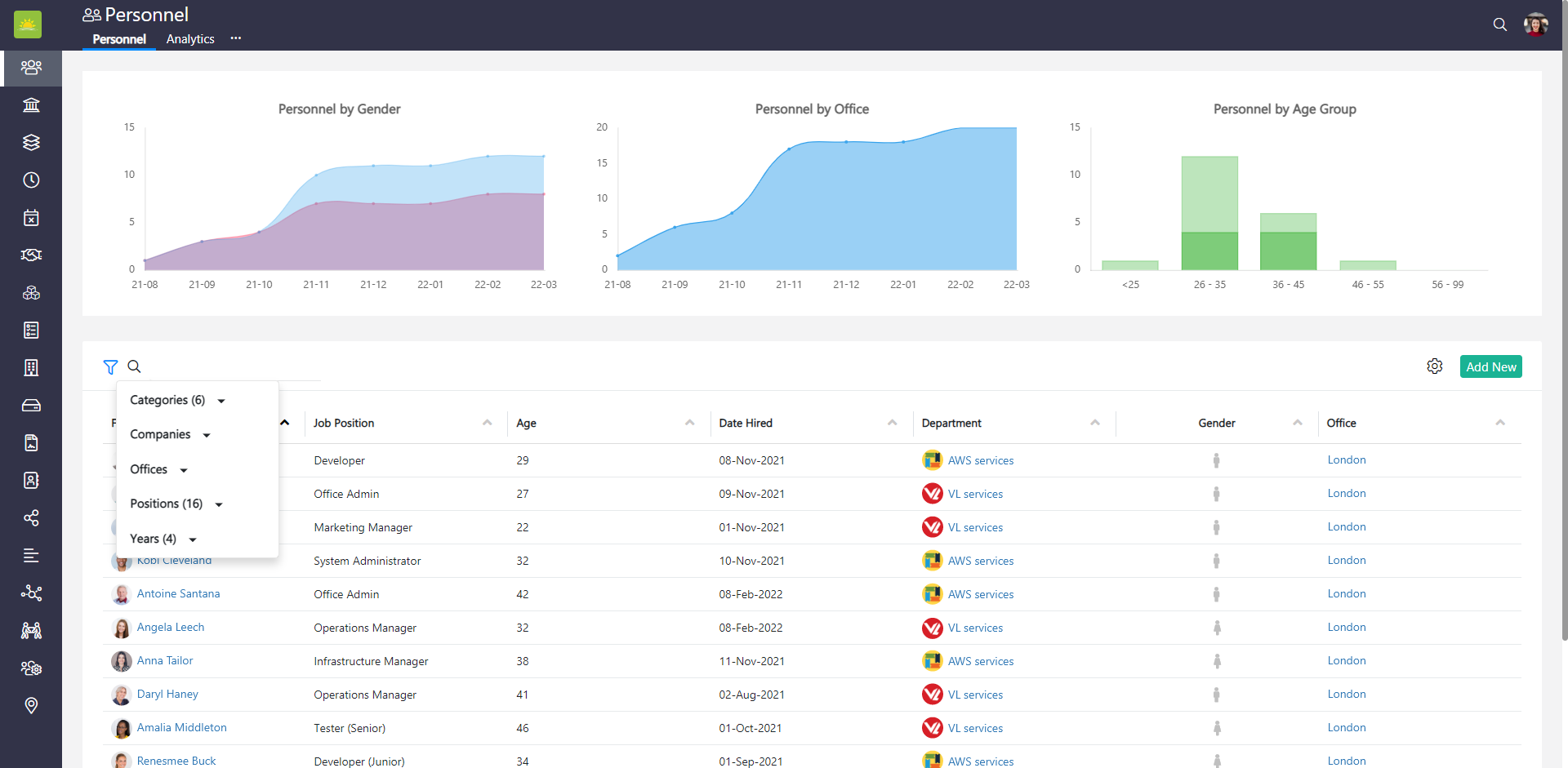
You can filter grids. Use filters to help narrow down your search.
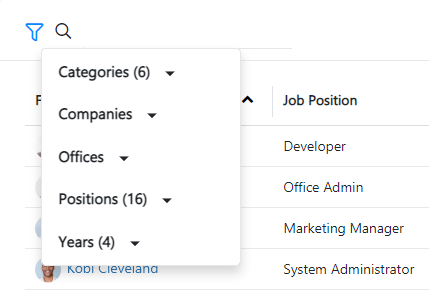
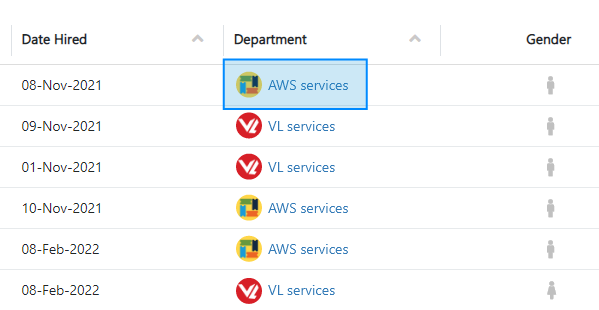
Clicking on values in the personnel view will take you to various tabs across Vault Synapse's modules.
In the personnel list, you can change and save the width of the columns in the grid itself. Click  to save the changes.
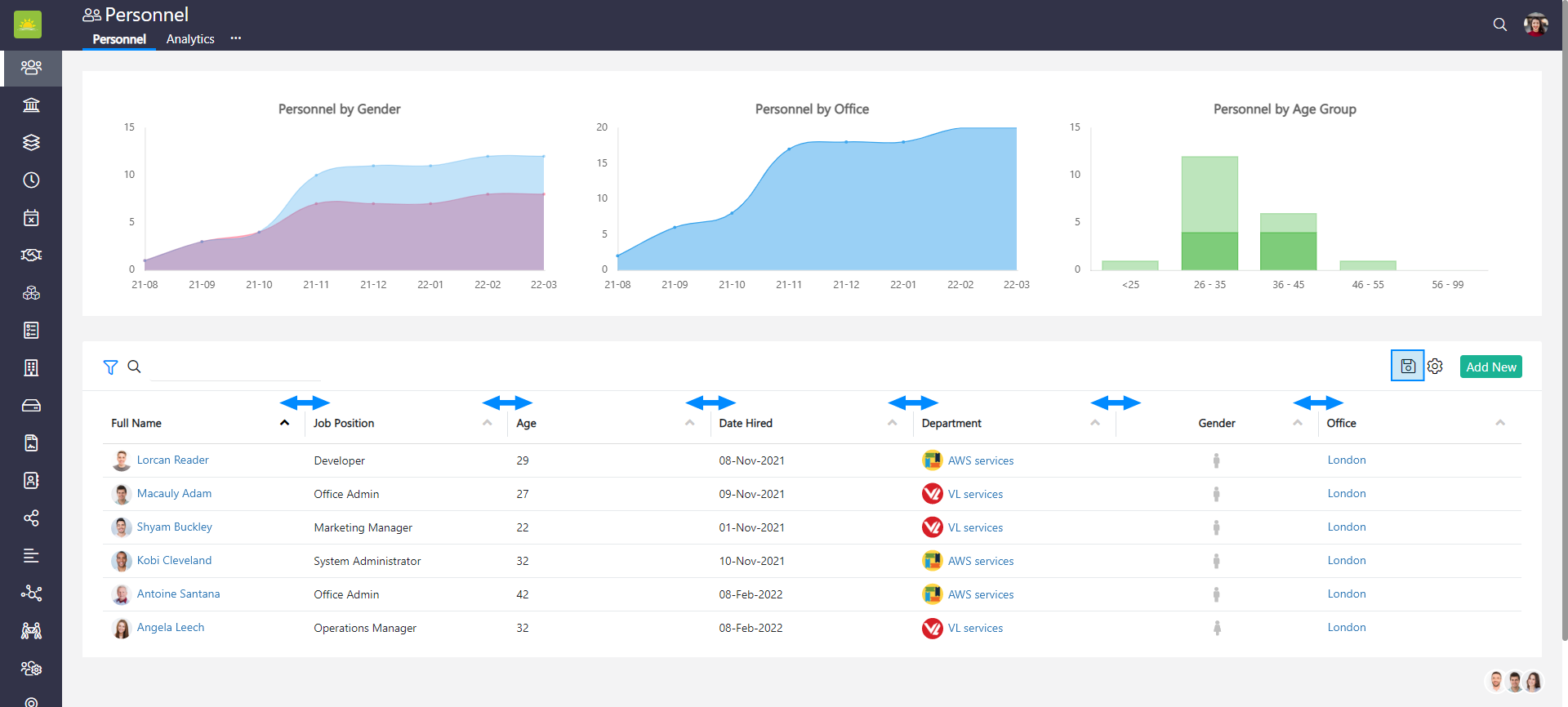
The columns in the grid are optional and are based on your configuration. Click the link to find out how to customize the view.
You can see this information from the personnel view:
- Age – Displays how old the personnel is.
- Allocation – Next Month – Represents the assigned amount of time for next month (as a %) that the personnel has for an entity (projects, checklists, clients, contracts, department, etc.).
- Allocation – This Month – Represents the assigned amount of time for the current month (as a %) that the personnel has for an entity (projects, checklists, clients, contracts, departments, etc.).
- Assets – Shows the number of assets assigned to the personnel.
- Category – Shows whether the personnel are active, future, trial, or departed employees.
- Checklists – The progress bar represents the progress of the assigned checklists. Hovering on them will show you, in more detail, the number values per phase.
- Date Hired – The date when the personnel was hired.
- Department – Displays the department the personnel is assigned to. Personnel can belong to one department. Any changes to the department will be displayed as of the date the assignment becomes active.
- Full Name – The full name of the personnel.
- Gender – The gender of the personnel.
- Job Position – What job position the personnel was assigned.
- Misc – This column displays any social media ties or websites that the personnel might have.
- Office – Displays the office the personnel is assigned to.
- Security Level – Shows the level of security the personnel was provided with.
- Termination Reason – If the personnel was terminated, this column would display the reason (Good Attrition, Bad Attrition or Neutral).
- Time Worked – This value shows hours in percentage the personnel worked in any given month.
- Time Tracking – This value shows time tracking precision index/time tracking performance grade for the current month.
Note! Vault Synapse is a highly customizable tool, meaning certain parts and functionalities of the application can be additionally built-in or customized based on your business needs and preferences.
Didn’t find what you were looking for?
Contact us and we’ll build the right solution for you. Vault Synapse can be fully customized based on your business needs.